02

UNDERSTAND

03

IDENTIFY & SYNTHESIZE

Identifying Core Product Experiences

Product Principles

After reviewing past research on IG messaging and better understanding the competitive landscape, I generated a set of product principles

with my PM to help the team guide the direction of the Commands product experience.

🧩 EASE of access

Provide a rich messaging toolkit that is easy

to access and perform

🧠 MUSCLE MEMORY

Keep users coming back to using expressive

features, and help them feel confident using

them

🌊 Fluidity

Interacts with the contextual chat

experiences while reducing steps without

adding friction

Bishop Blue

Website Revamp

ROLE

Product Designer

TIMELINE

Oct 2023 - Feb 2024

TEAM

1 Project Manager
1 Design Lead
5 Product Designer

SKILLS

User Research
UX/UI Design
Prototyping

TOOLS

Figma

Cargo

Identifying Mechanics

COMMAND TRIGGERS

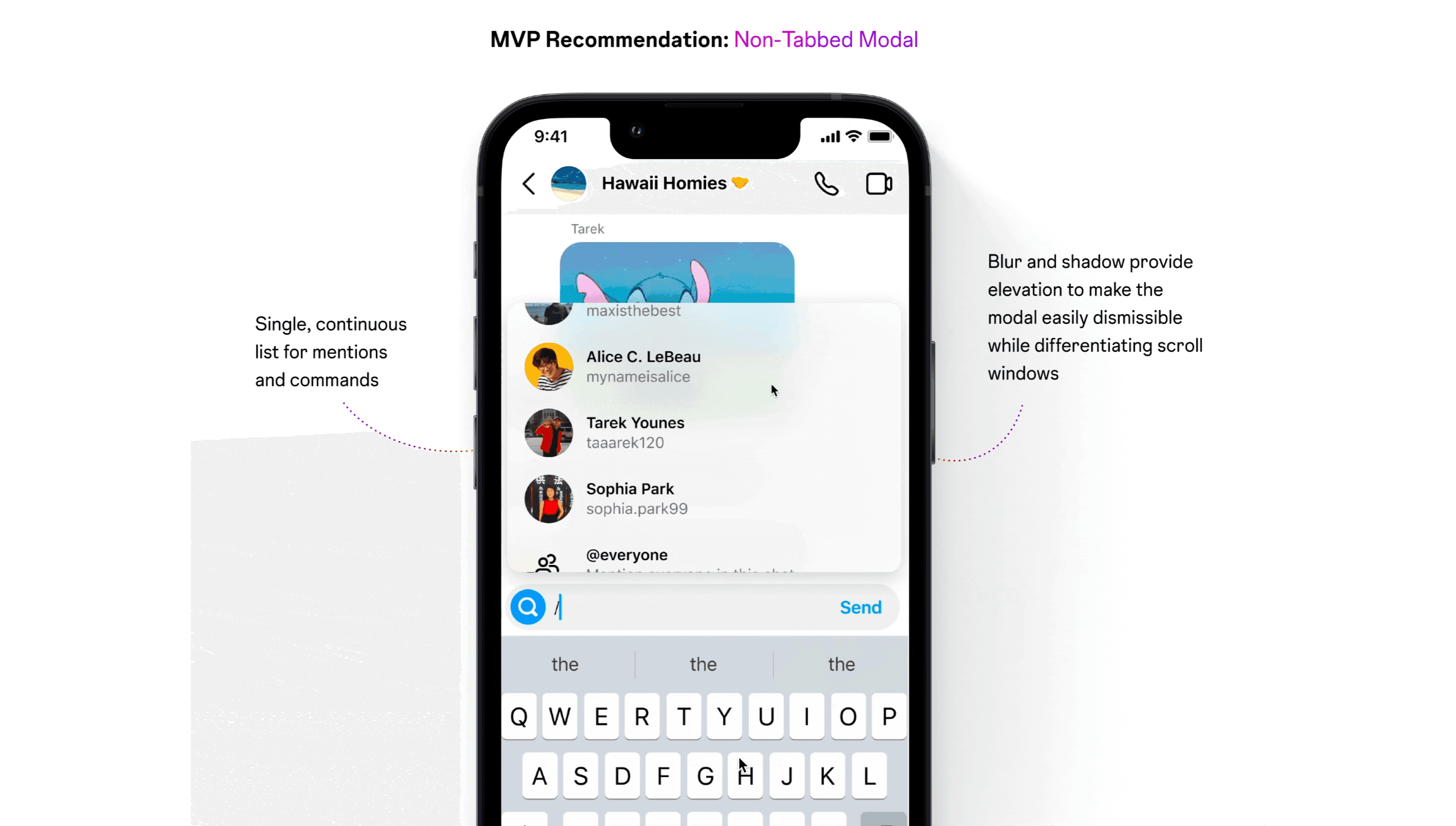
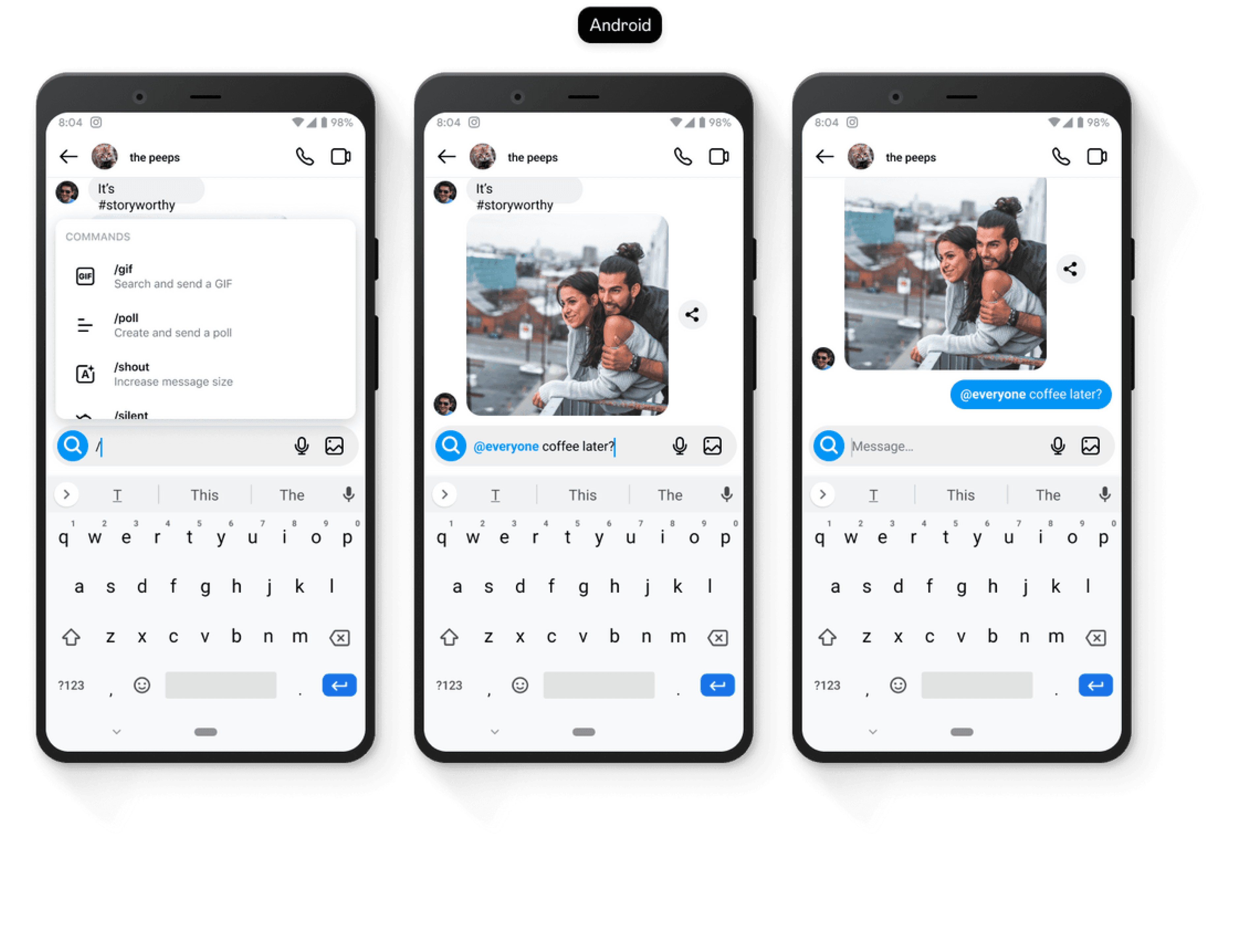
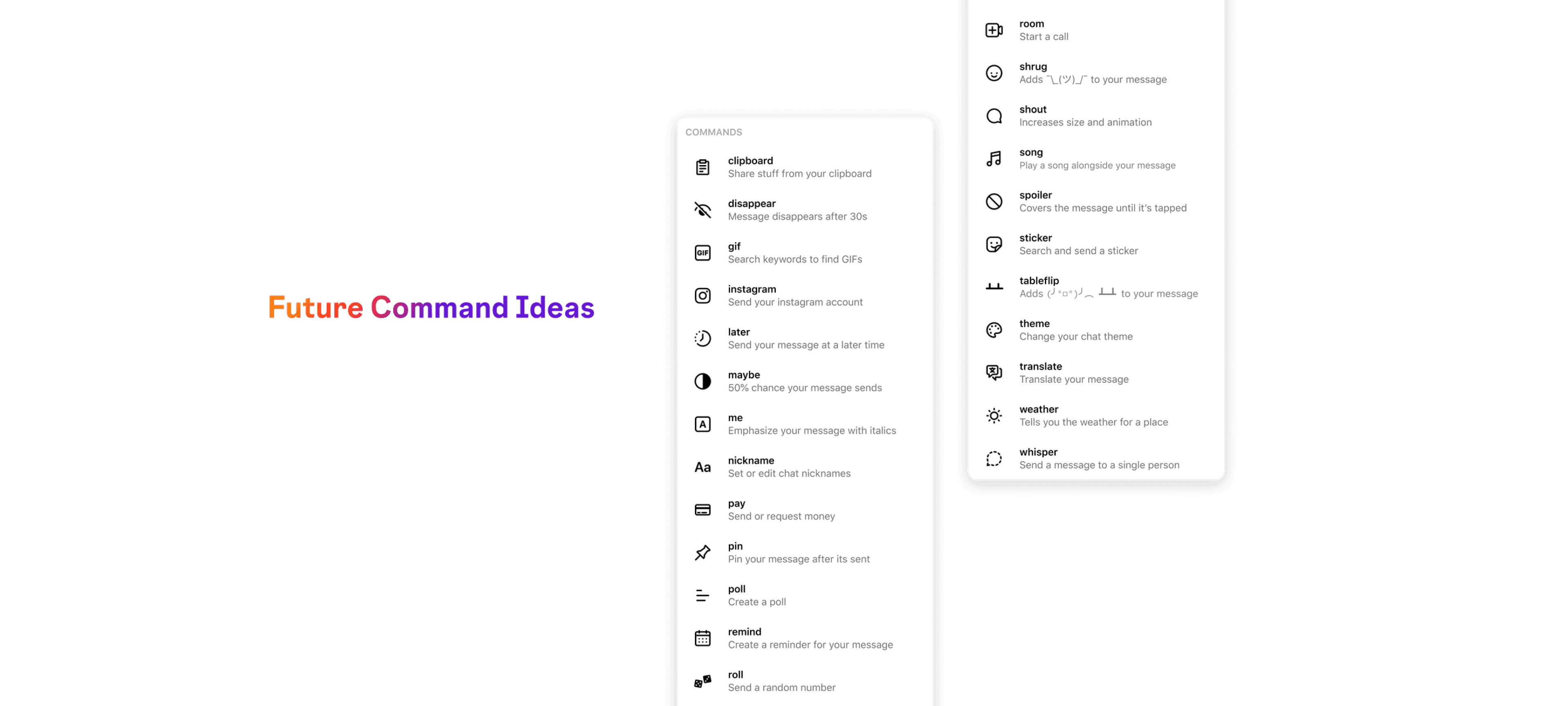
After identifying the types of commands, it can be seen that two types of triggers are necessary:

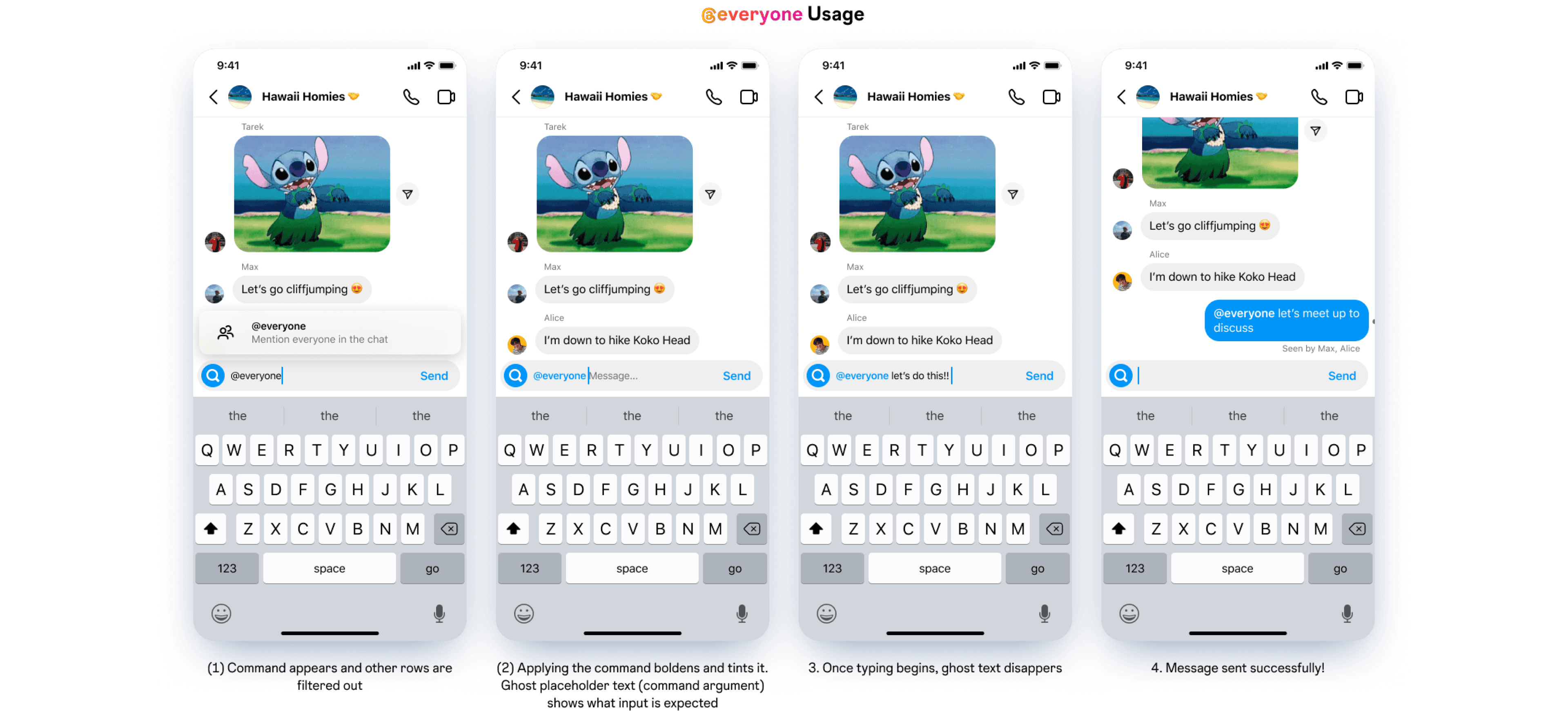
Mentions

Entity mentions, mainly for people related

mentions, channels etc.

@everyone, @admin....

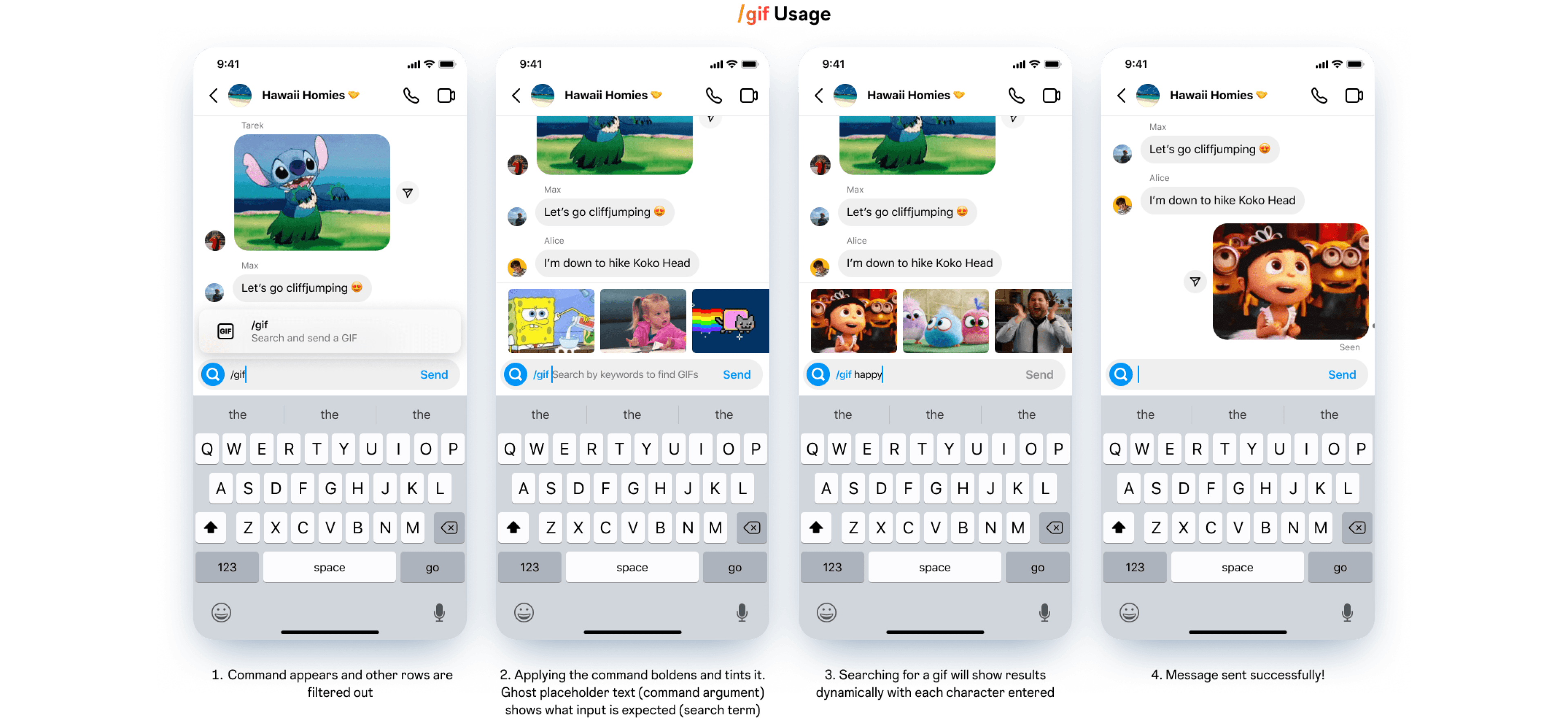
Actions, shortcuts

Access to both existing features as well as unique text

based actions.

Feature shortcuts: locations, pay, rooms...

Message control: send later, maybe, nickname...

Message style: shrug, spoiler, markup...

04

IDEATION

Reflecting on Research

how should we guide our ideation?

In the competitive audit done in the Understand phase, the following questions were asked for each app’s command system analysis. While

beginning my explorative ideation phase, I kept these questions in mind to ensure that my designs aligned well the the project's goals.

How do I discover & find

commands?

awareness & access 🧠

How can I learn & remember

how to use features?

education & memory 📕

How does using features feel

when I’m in a conversation?

FLUIDITY 🌊

05

EXECUTION

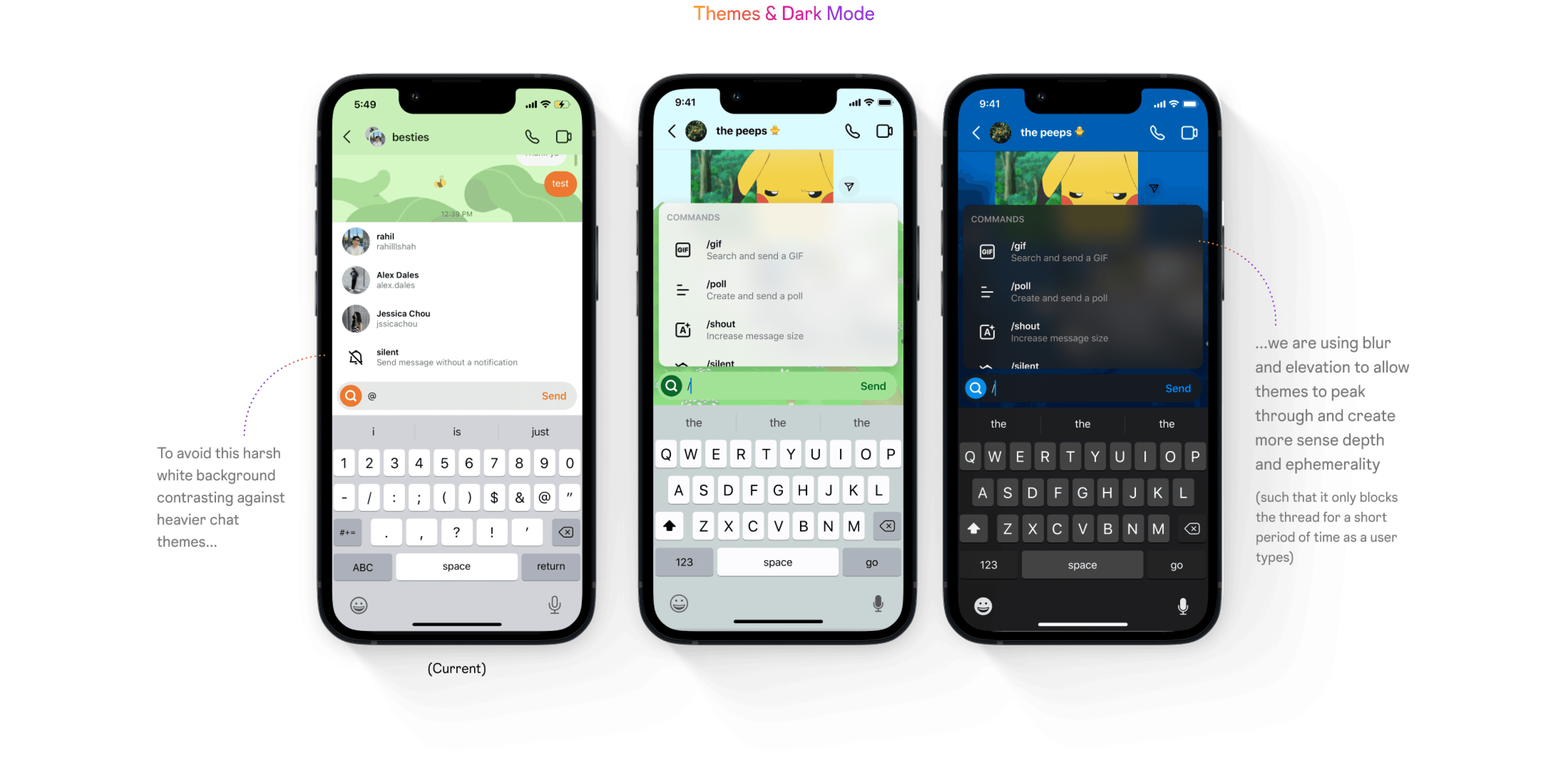
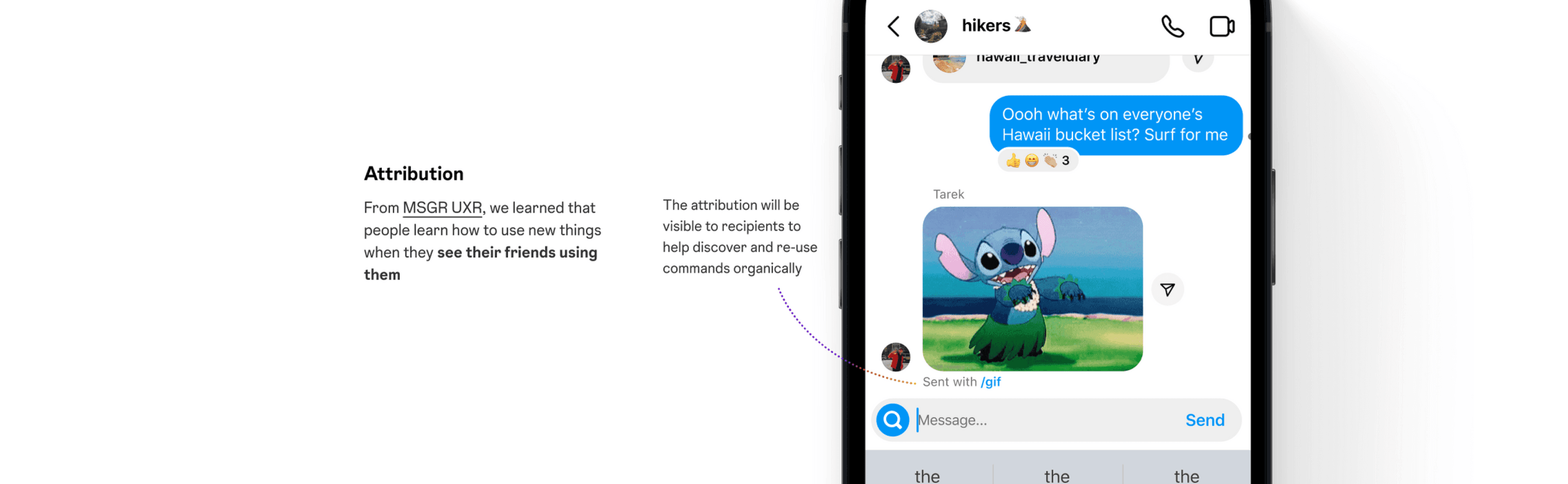
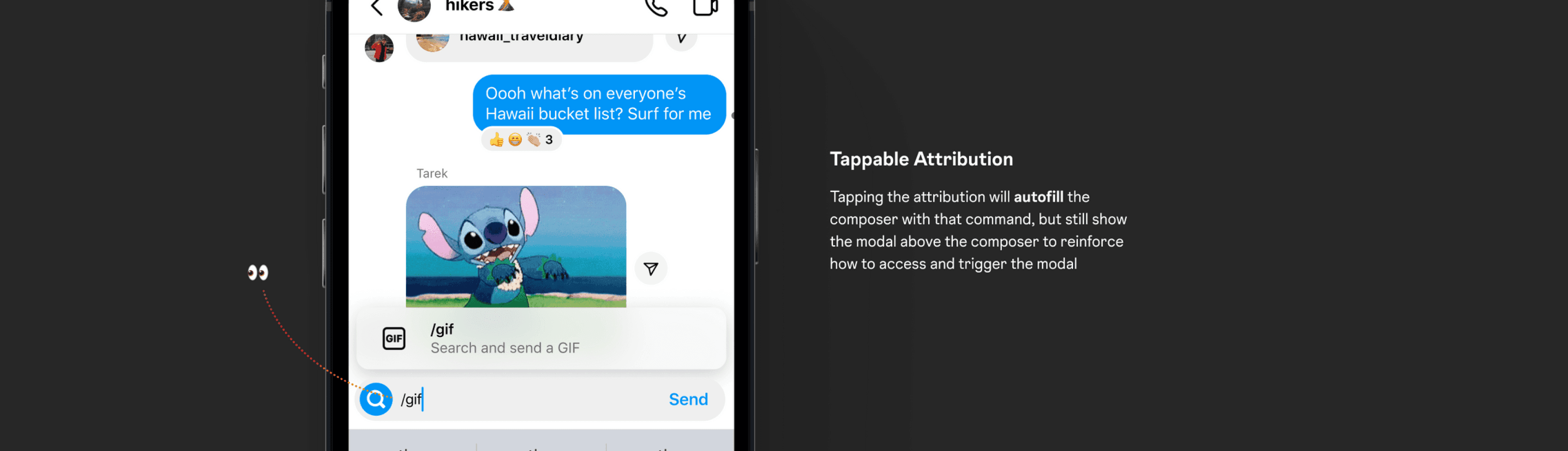
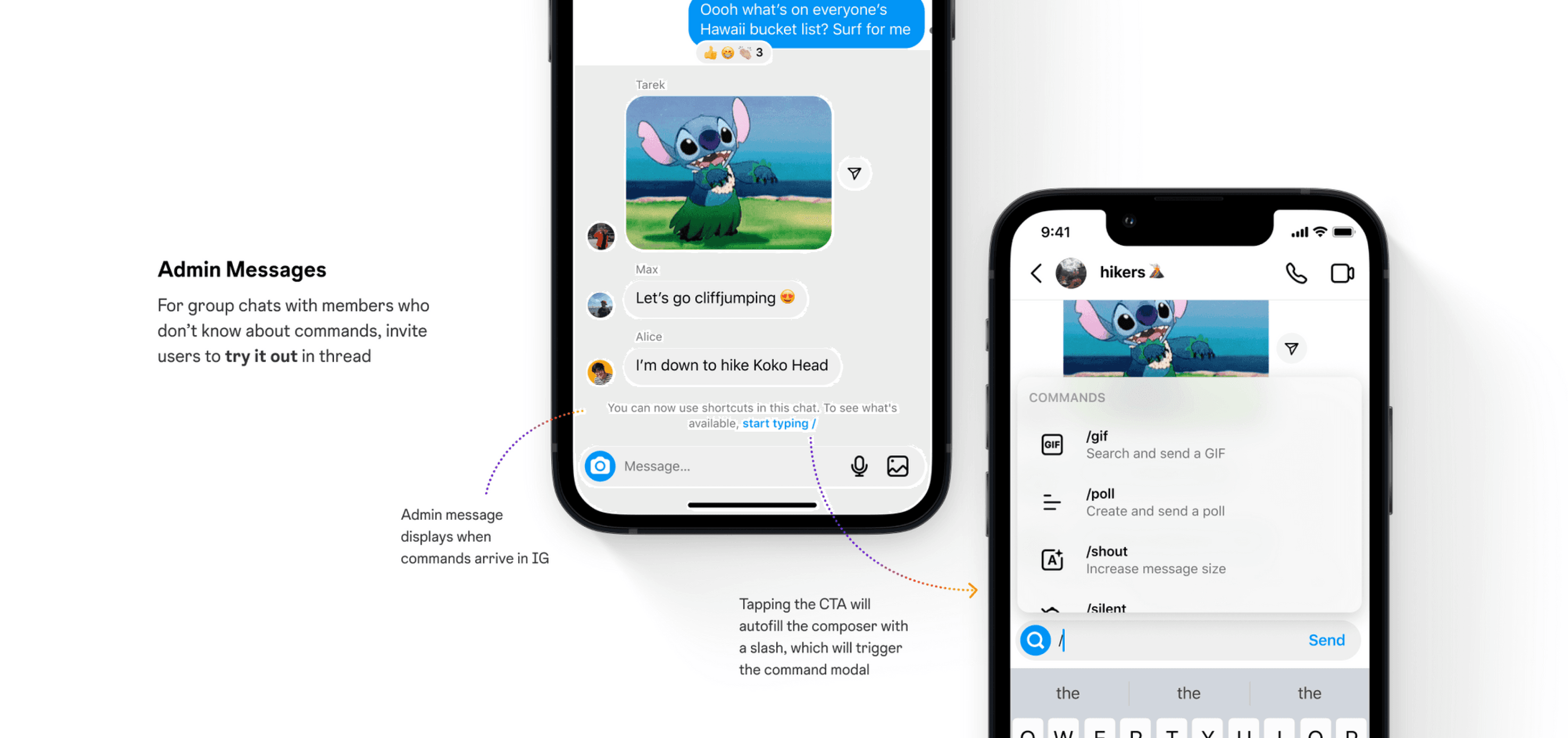
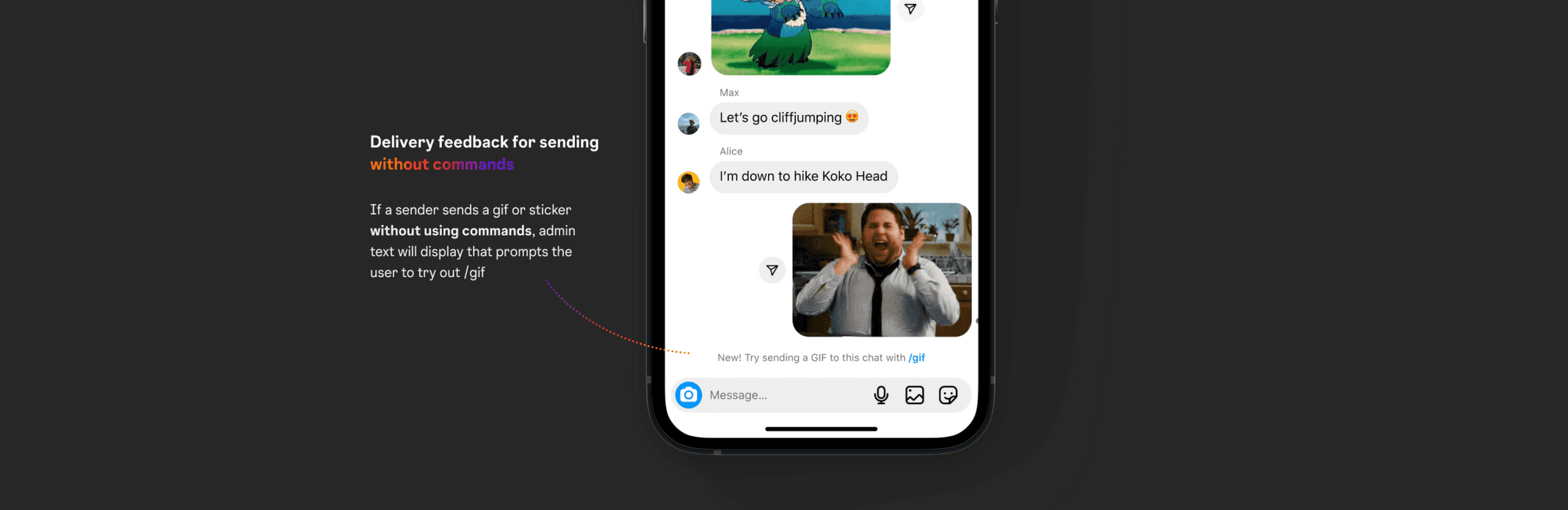
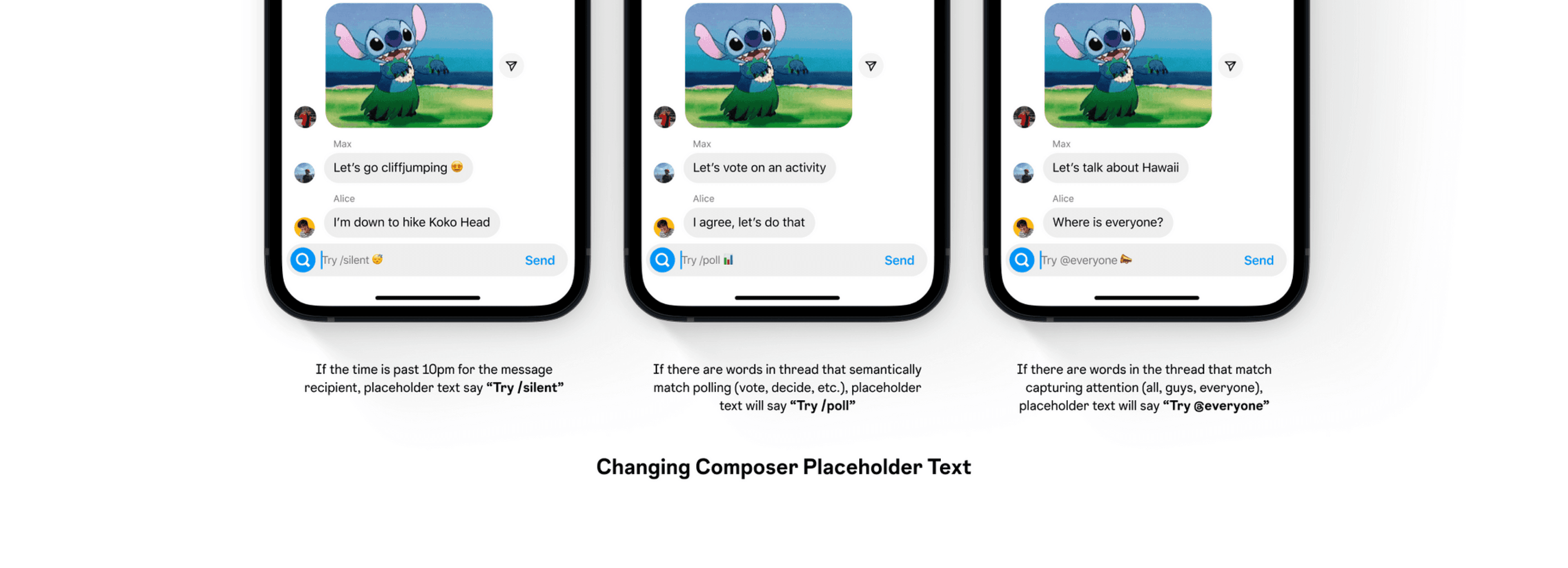
Here's how the command system works... 🥁

We learned from MSGR UXR that people need help discovering commands in

ways that feel natural to them 🌱

PROBLEM STATEMENT

❓PROBLEM

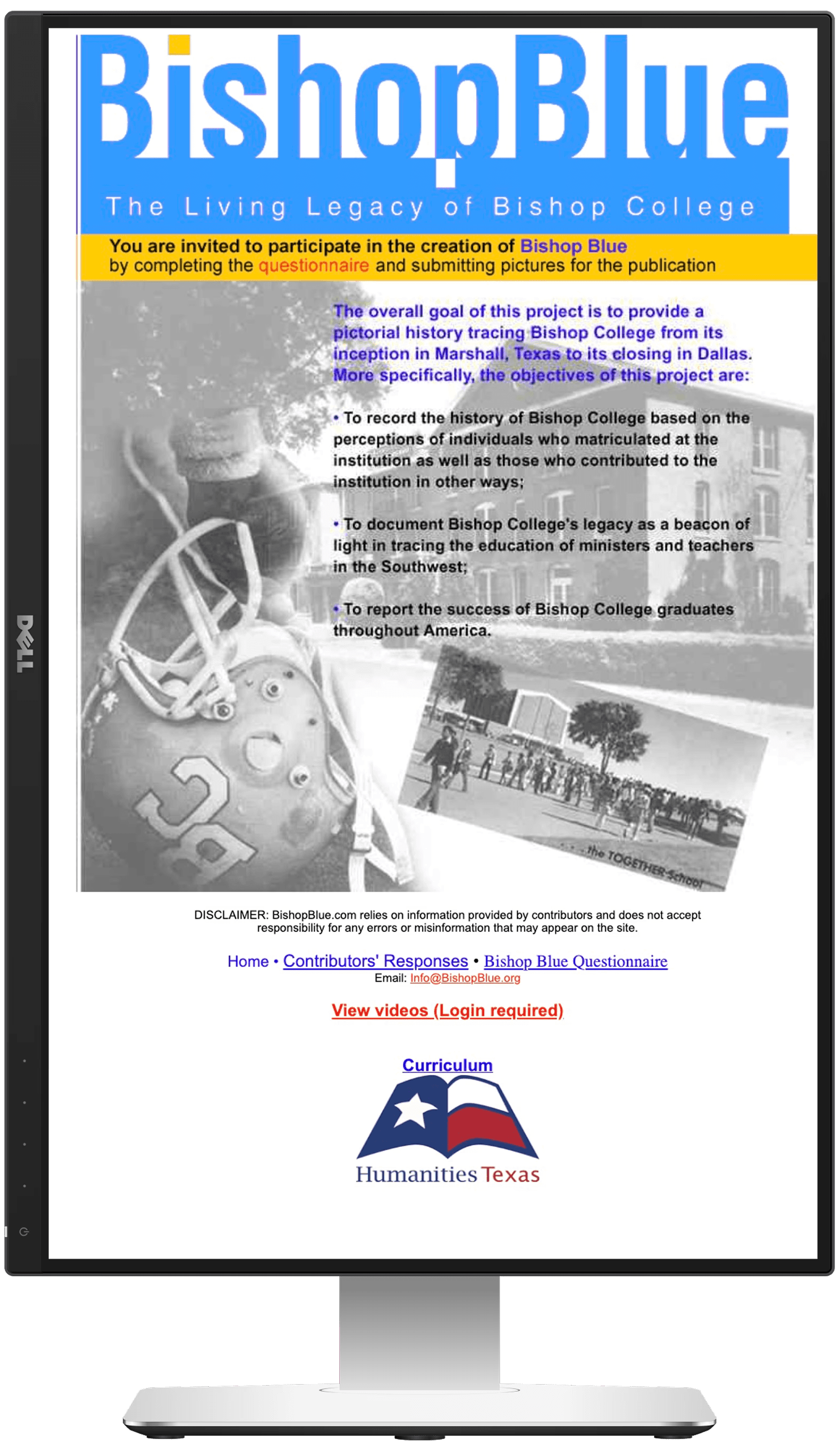
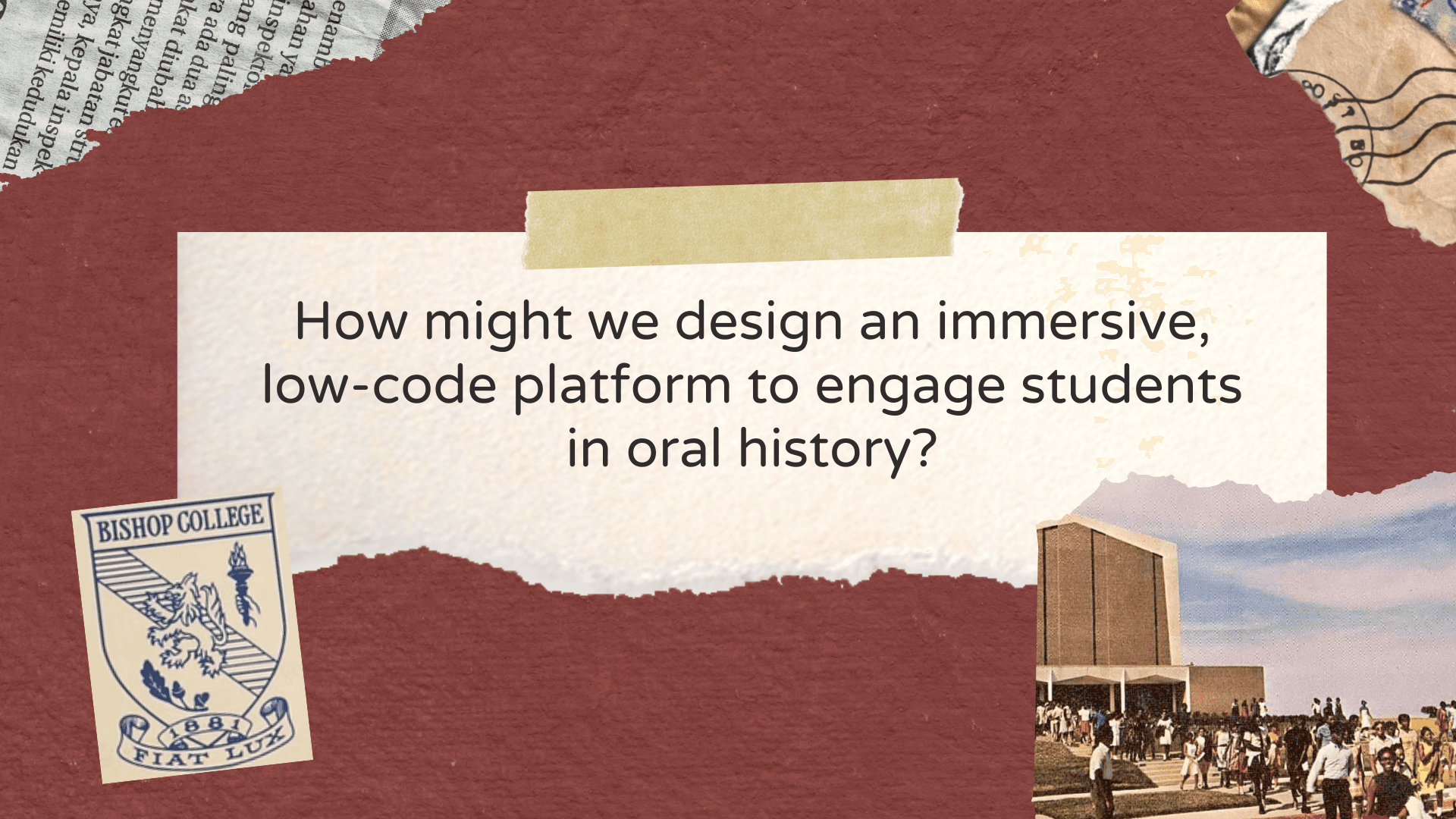
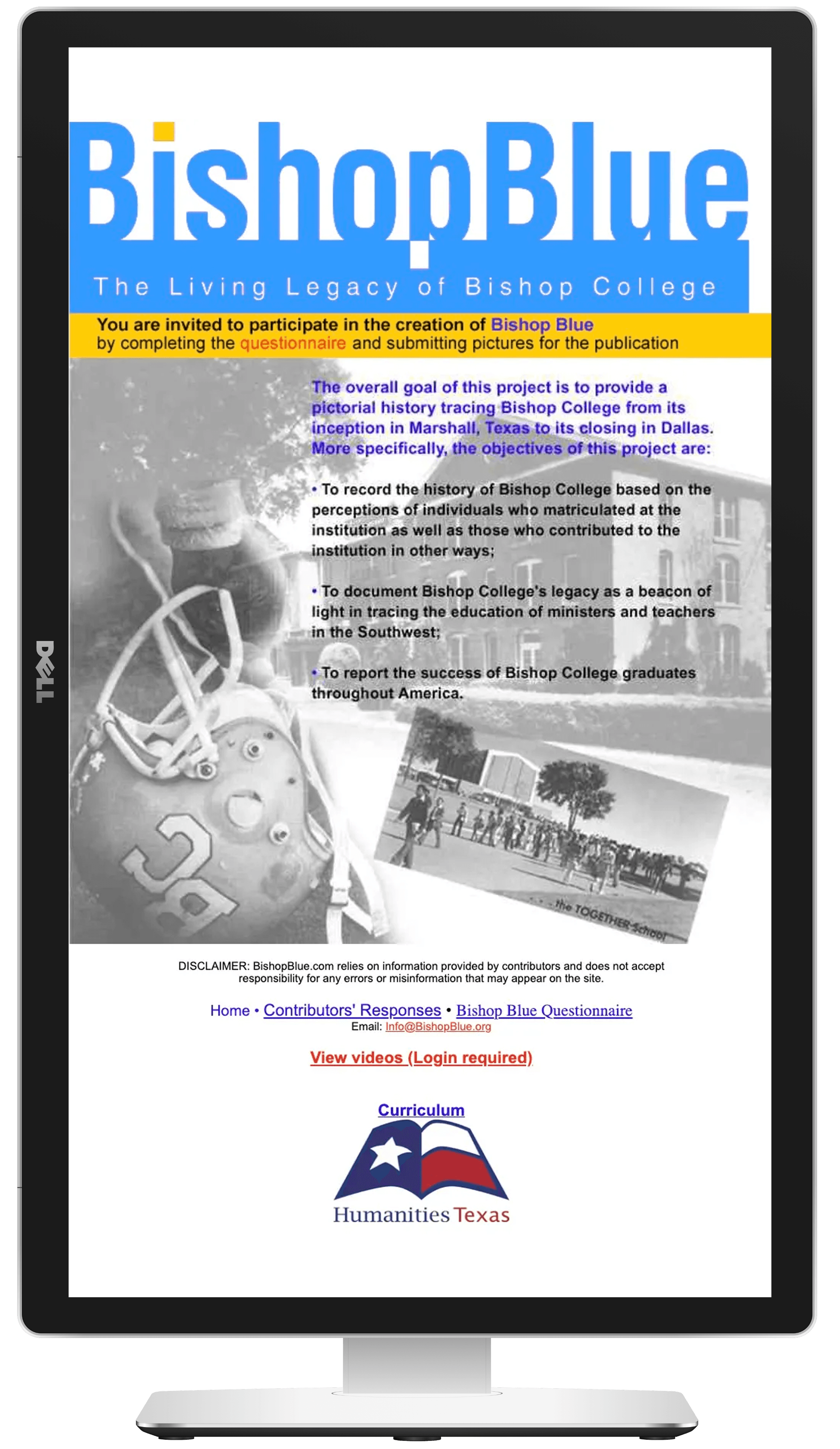
The Bishop Blue Foundation preserves a massive archive of African American educational history (1881–1988), but their stories were trapped in a digital dead-end. The existing site was just a static HTML file with a single image.

Design for Non-Profit Sustainability


For a 501(c)3, longevity is critical.


We identified that the platform needed to be more than just affordable; it had to be self-sustaining.


We pivoted to Cargo to empower their non-technical staff to update content independently, ensuring the "living legacy" could continue without requiring a developer on retainer.


Visualizing the

"Old-School" Vibe


The client wanted to honour the HBCU's roots with "old-school vibes" while remaining relevant to modern students.


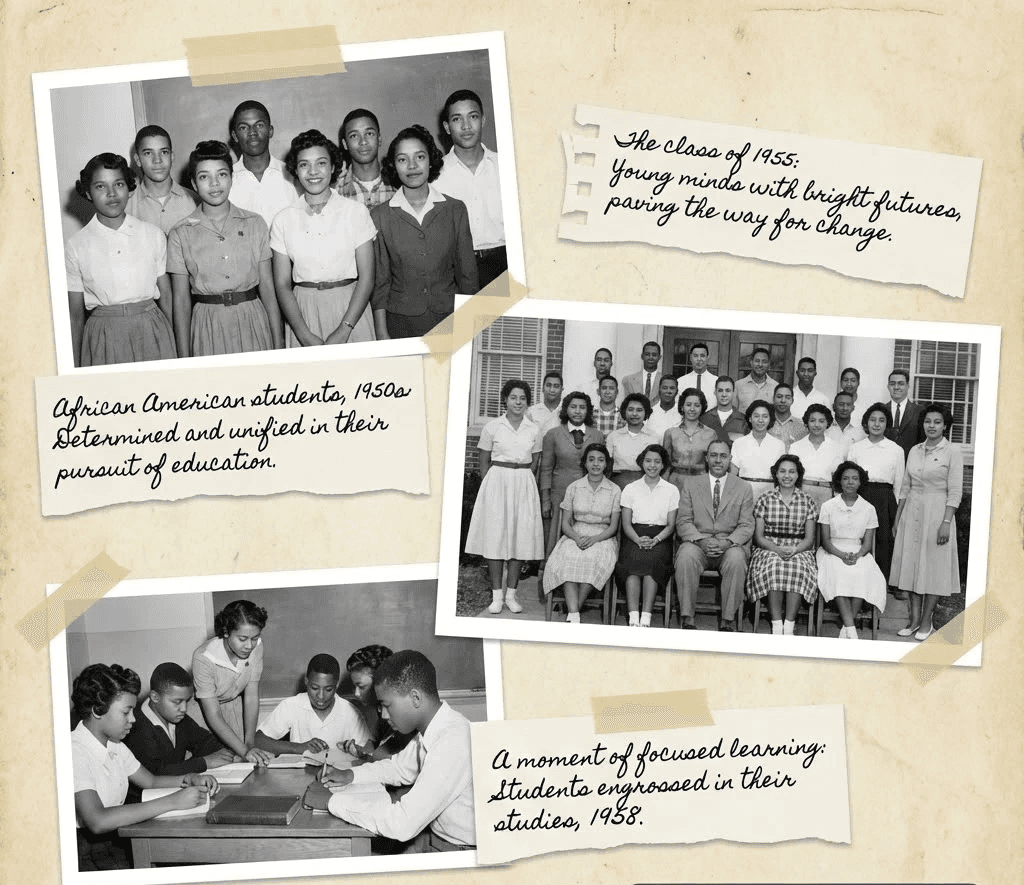
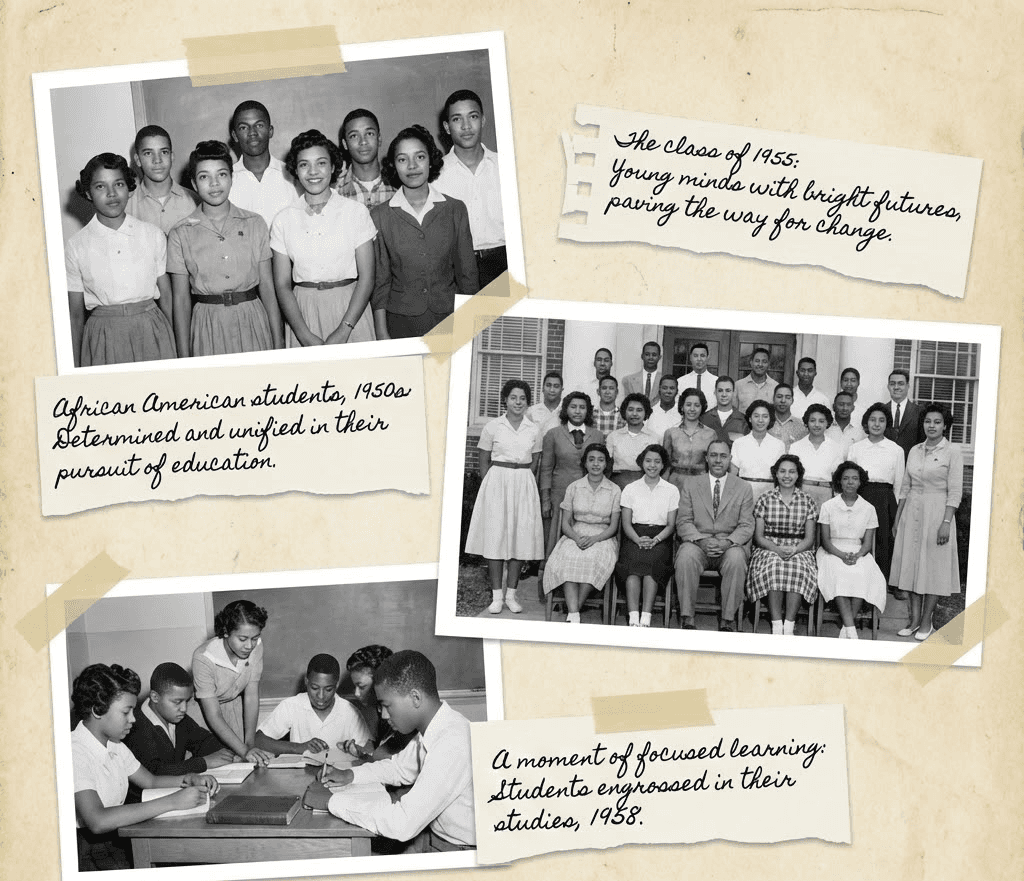
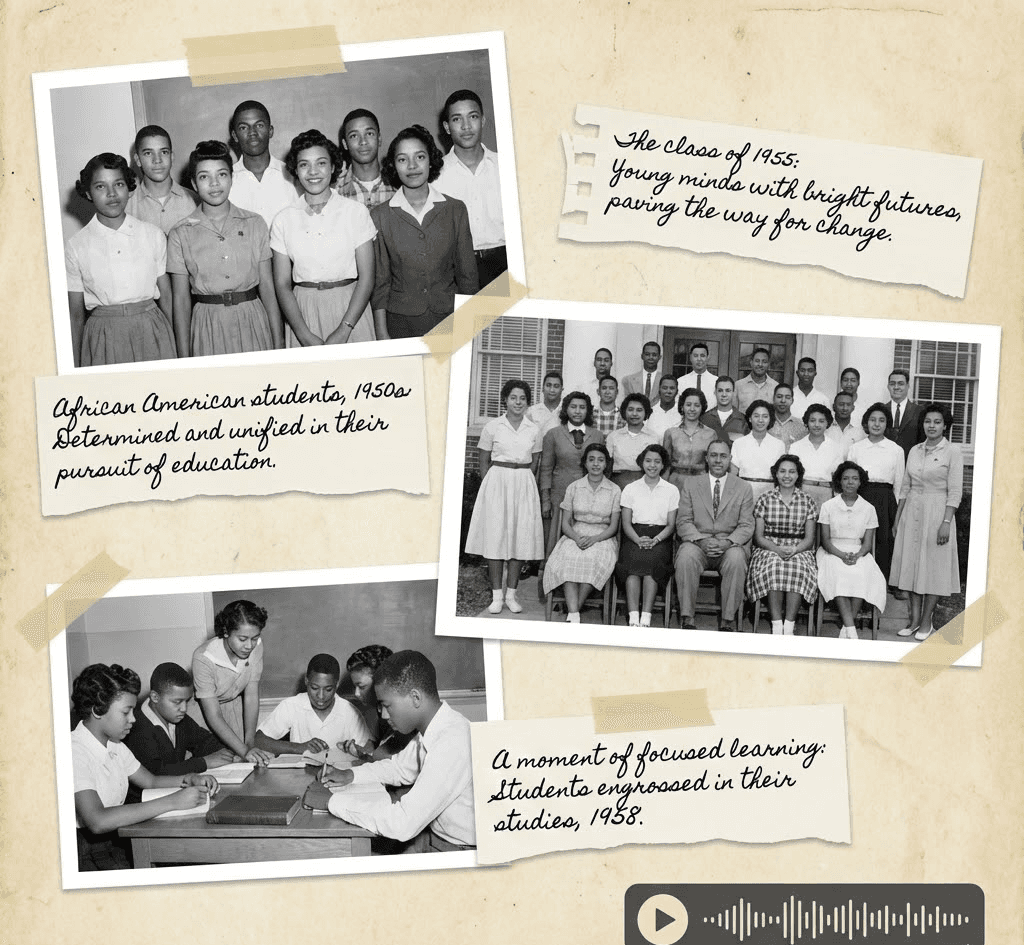
We used this requirement to justify a "scrapbook" aesthetic,


turning the necessity of using older, grainy historical photos into a deliberate, nostalgic design feature that felt authentic rather than low-quality.


Solving the 70% Drop-off


User interviews were a wake-up call: 70% of elders said they wouldn't use the site due to "reading fatigue," small text, and difficulty "turning pages" digitally.


We realized audio wasn't just an accessibility add-on—it was the key to retention.


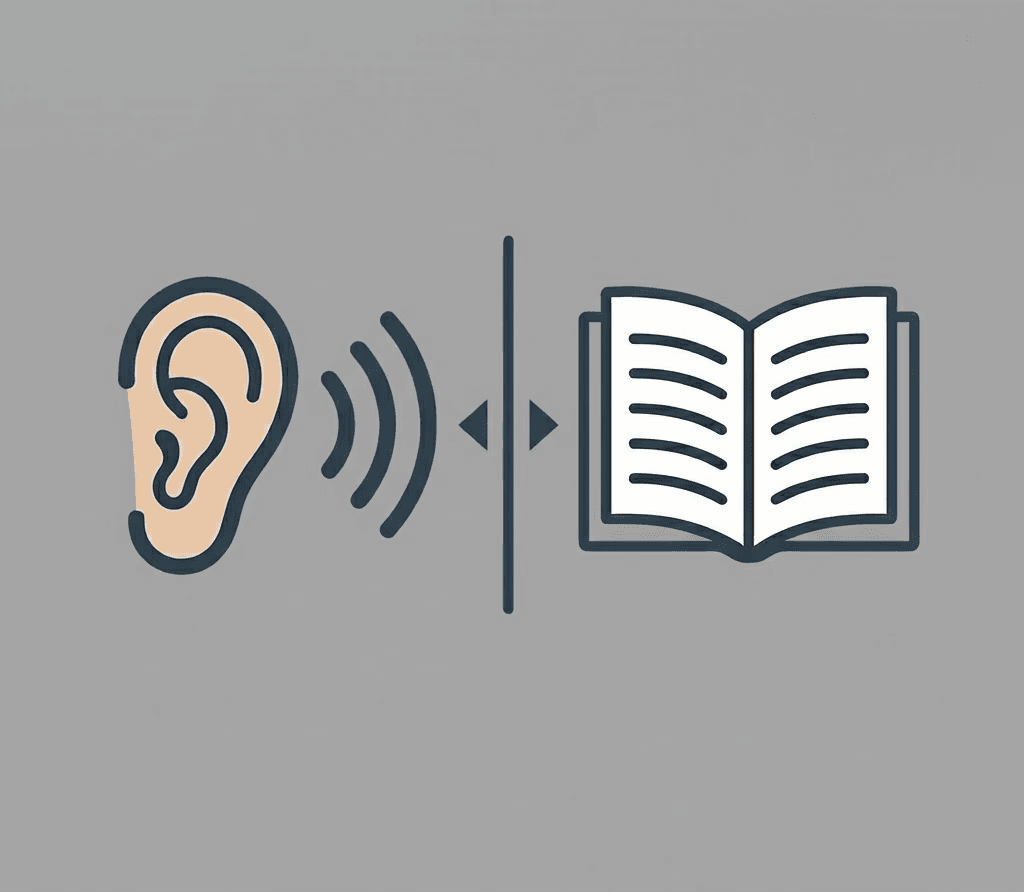
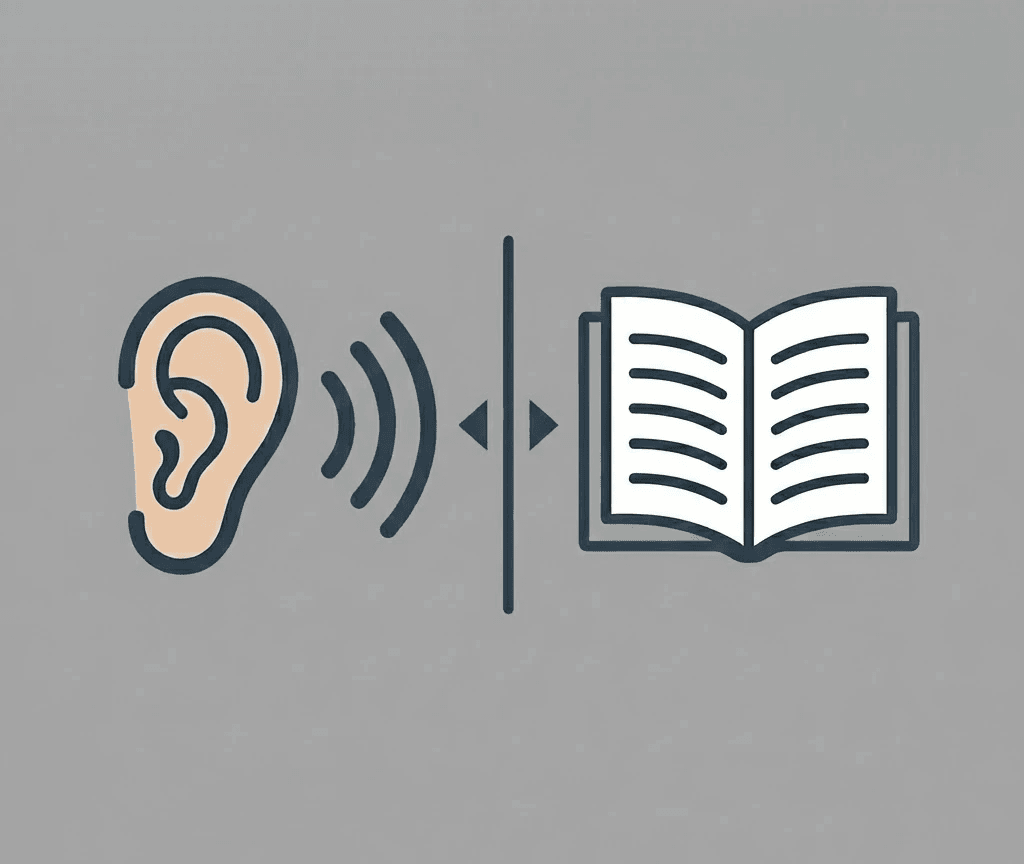
We implemented a "Listen or Read" standard, allowing users to bypass these friction points entirely and engage with the stories through their preferred medium.

🔍 RESEARCH

Key insights about the Foundation's needs

💡 SOLUTION

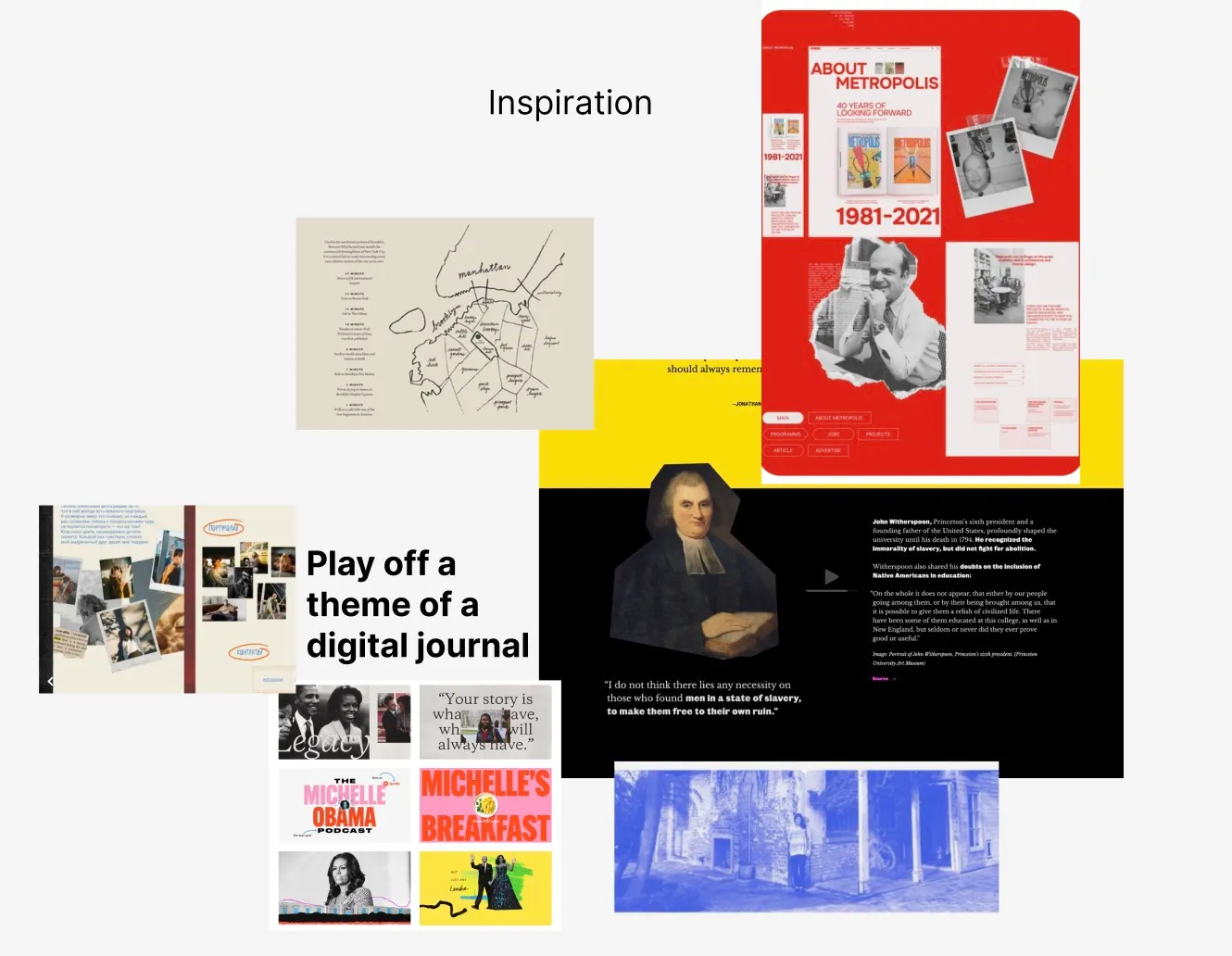
Transform a static archive into a "Digital Journal" that mimics the tactile feel of a scrapbook.


Upon landing, the user doesn't see a standard web header. Instead, they are greeted by dynamic "sticker" assets that slap onto the screen, immediately immersing them in a tactile, "DIY" world that feels more like opening a family album than browsing a database.

User unboxes the archive like a physical scrapbook

Confronted with long historical texts, the user is given a clear choice. They can skip the eye strain entirely by hitting "Hear Audio," instantly transforming the site from a reading assignment into a passive listening experience that suits their energy levels.

User bypasses reading fatigue with one click

When the user is ready to share their own story, they aren't met with a cold "Contact Us" form. They type directly onto a vintage postcard interface, making the act of data submission feel like sending a personal letter to an old friend.

User contributes a legacy via digital postcard

Final Prototype Walkthrough

Validate feasibility before fidelity

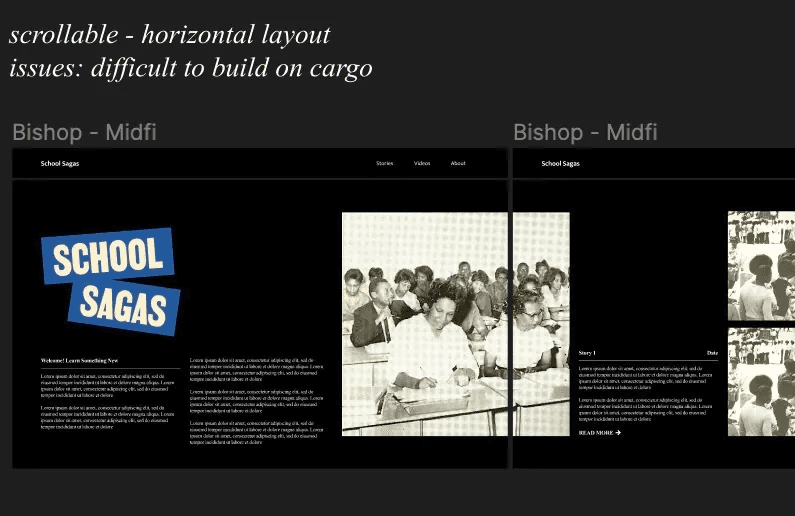
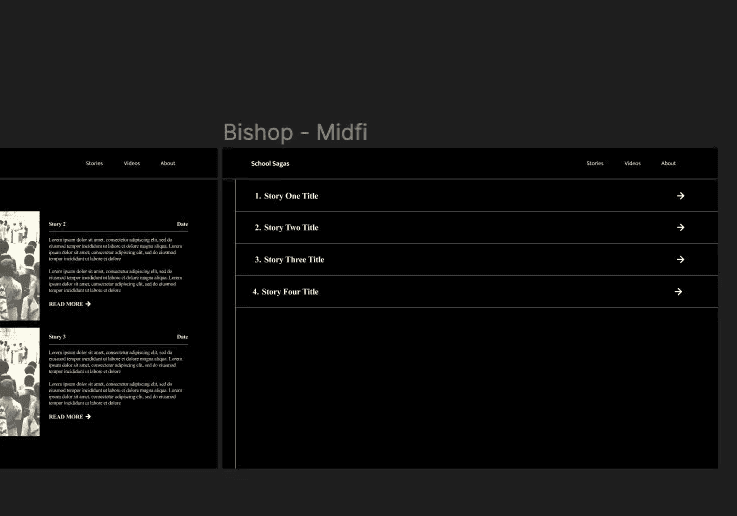
We initially designed complex horizontal scrolling features in Figma that Cargo couldn't natively support. I learned that a design isn't successful unless it's shippable—forcing me to pivot quickly to a vertical layout that retained the "scrapbook" aesthetic while actually working within the platform's constraints.

Design for the "Dual-Audience"

I learned that "target user" isn't always singular. We had to bridge a massive gap: creating a "Scrapbook" aesthetic to engage Gen Z students while simultaneously building large, high-contrast "Listen" tools to support elder alumni. This taught me to layer features rather than compromise them.

📚 LEARNINGS